Cold Session Timing on Apple Watch
TRACK
COLD.
LOG HEAT.
ThermaForge helps you track cold sessions and log heat sessions in one clean workflow across Apple Watch and iPhone. Built for simple session timing, clear history, and useful recovery data.

Available now
ThermaForge is now live on the App Store. Download it now for Apple Watch cold-session timing and iPhone heat-session logging in one clean workflow.
Why ThermaForge is useful
APPLE WATCH TIMING
Start and time cold sessions from your wrist with a simple, focused workflow.
SESSION HISTORY
Keep cold and heat sessions together on iPhone with clear records over time.
FLEXIBLE LOGGING
Add sessions manually, edit details later, and keep your recovery log complete.
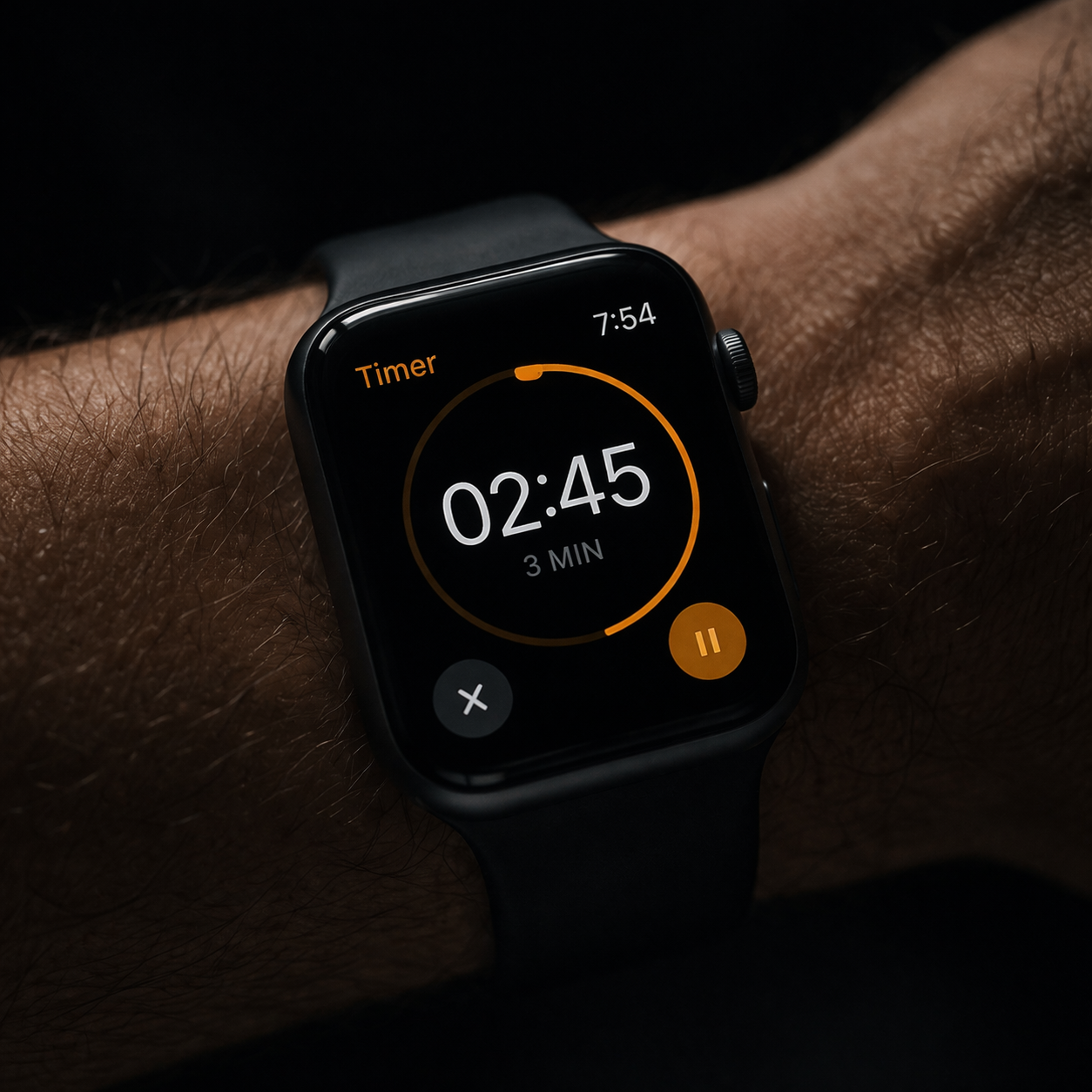
Apple Watch support
COLD SESSION TIMING ON APPLE WATCH
ThermaForge gives you a fast Apple Watch flow for cold-session timing, with session review and editing handled on iPhone.
- Native Apple Watch session timer
- Simple cold-session workflow
- Session review on iPhone
- Automatic sync after completion
Track both modalities
Keep cold and heat sessions in one place instead of splitting your recovery log across multiple tools.


Two clear workflows
Cold workflow
TRACK COLD
SESSIONS
Use Apple Watch for simple cold-session timing, then review completed sessions on iPhone.
- Start sessions on Apple Watch
- Review completed entries on iPhone
- Keep cold history organised
Heat workflow
LOG HEAT
ON IPHONE
Add and edit heat sessions on iPhone with temperature, duration, and notes in one clear history.
- Add sessions manually
- Edit details any time
- Keep heat history alongside cold
Get ThermaForge
DOWNLOAD THERMAFORGE NOW.
ThermaForge is live on the App Store and ready to use on iPhone and Apple Watch.
Join the list only if you want launch alerts, major updates, and future ThermaForge news.
FAQ
Is ThermaForge available now?
Yes. ThermaForge is now live on the App Store.
Does ThermaForge work with Apple Watch?
ThermaForge supports Apple Watch for cold-session timing, with session review and editing handled on iPhone.
Can I log heat sessions too?
Yes. Heat sessions are logged and managed on iPhone.
Does ThermaForge require an account?
No. ThermaForge does not require an account.
AVAILABLE
NOW.
Download ThermaForge from the App Store and start tracking cold sessions on Apple Watch with heat logging on iPhone.